
Every Last Grain
A spoon, a parking lot, and more sand than you can carry. Play free in your browser: dig up sand, sell it for cash, and upgrade your tools. Start with the beginner’s route or use the checklist to track all 14 buried finds in Lot Edge.
Fullscreen is unavailable in this browser.
Your first haul starts at the parking lot
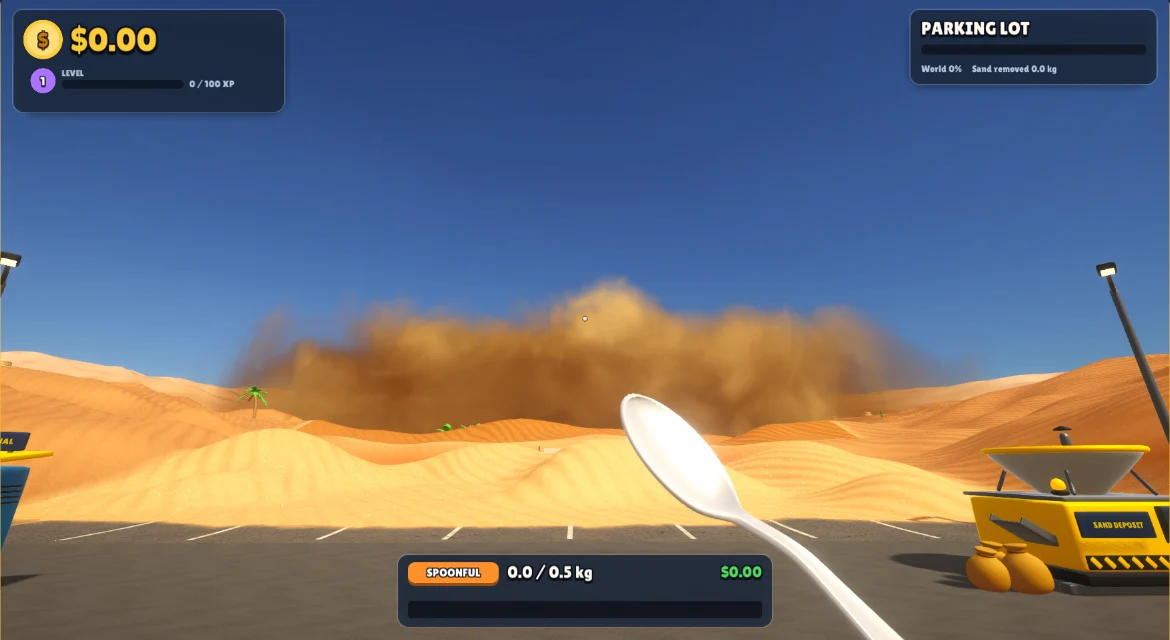
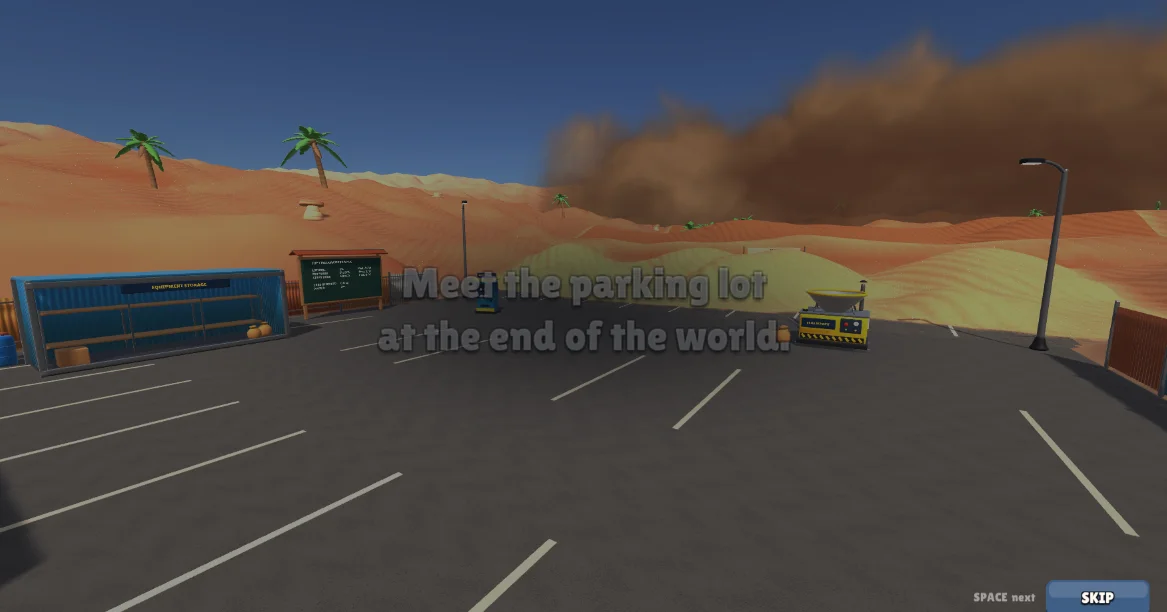
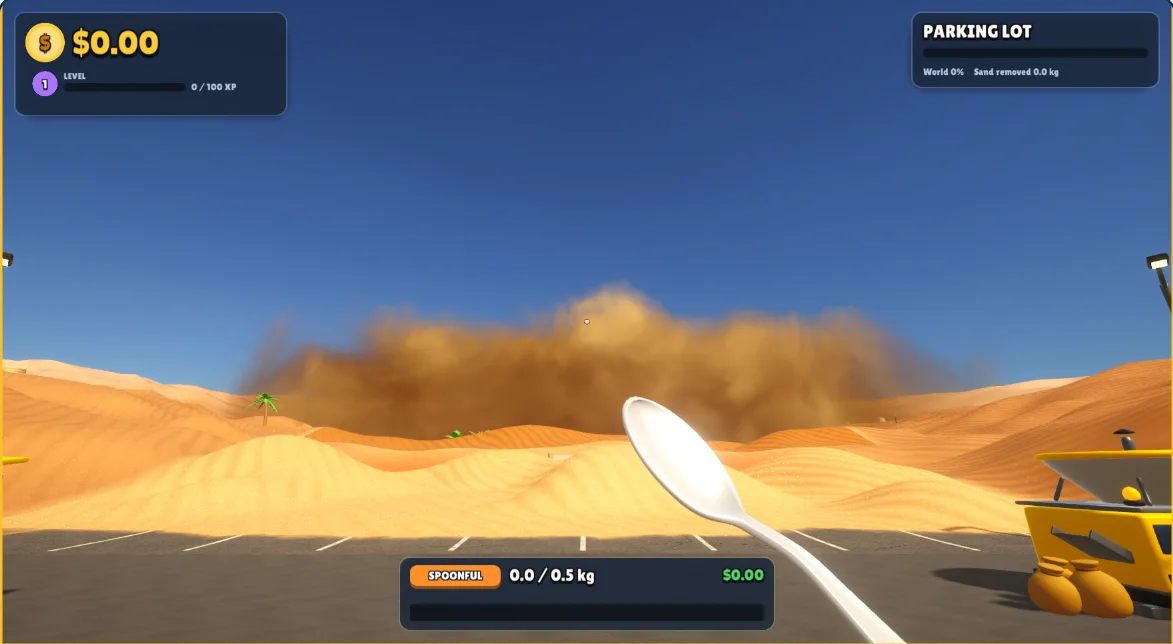
Lot Edge is a parking lot half swallowed by dunes. You start with a spoon and a bag that fills quickly. Cut into the nearest bank, carry the sand to the yellow Sand Deposit, and put the cash into your first upgrade.
Once each trip earns more, you can afford to work farther from camp. Keep an eye on what turns up in the sand. The demo has 14 buried finds to recover while you clear the lot.
See the Lot Edge finds checklistUse the starter scoop on the bank closest to the deposit.
Widen your first cut without adding much walking to the trip.
Clear a whole strip and keep enough bag space to finish each pass.
Work through larger piles and clean up strips left between earlier passes.
What to do on your first run
- Pick the bank you can see from the deposit
Hold the left mouse button or E over the sand. When your bag is full, go to the yellow Sand Deposit and press E to sell the sand.
- Spend the first few hauls at the Supply Terminal
Buy the Small Bag first if you spend most of your time walking back to the deposit. If filling the bag is the slow part, upgrade your digging tool.
- Cut a route you can recognize on the way back
Work across one face of a dune at a time. A visible edge makes it easier to pick up where you stopped after unloading.
- Check the collection before you finish
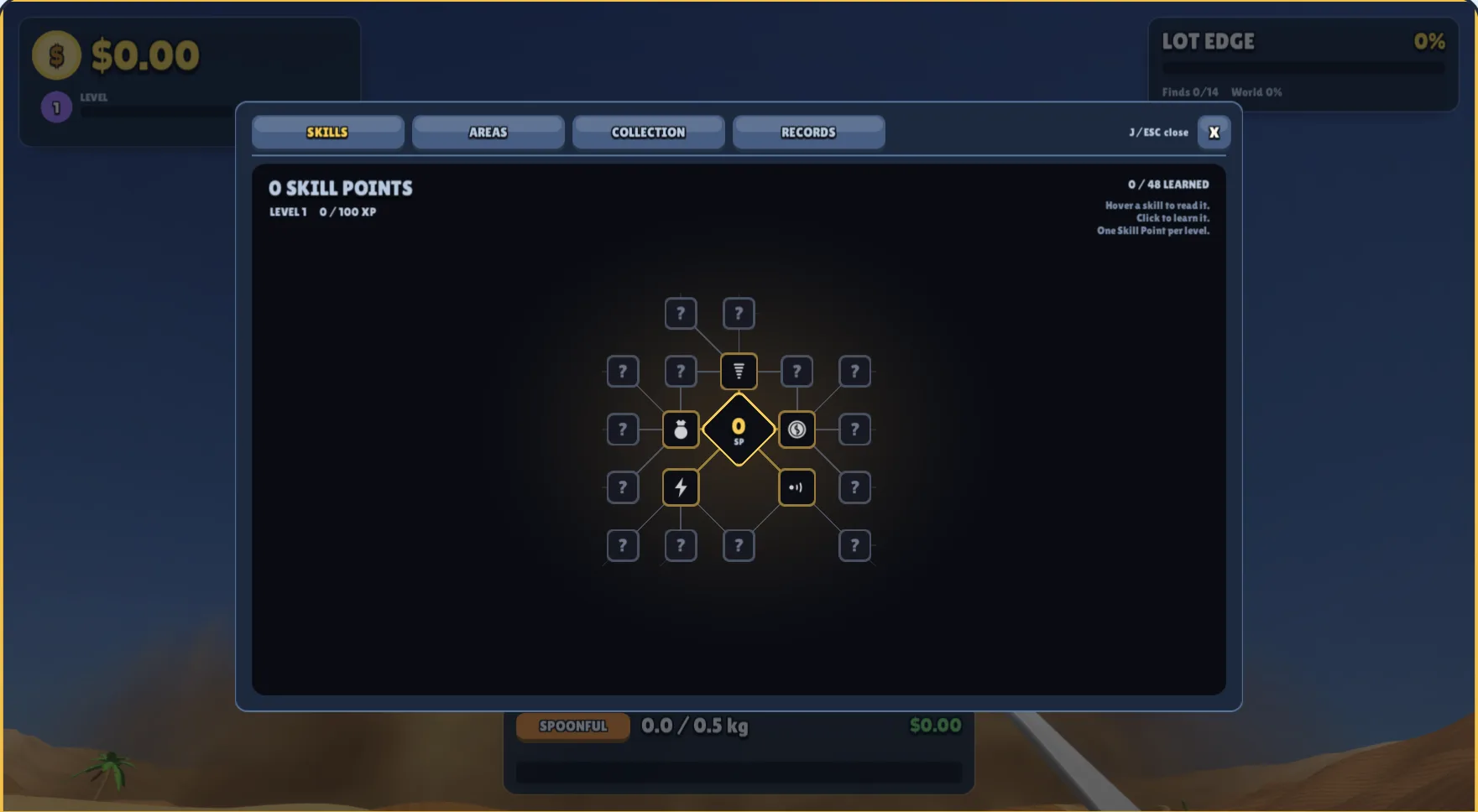
Open the Journal with J. If you are still missing finds, revisit the deep banks and outer strips you passed with a smaller tool.
Every Last Grain guides
- Get your first vacuum with a step-by-step opening route and video checkpoints.
- Plan tools, bag upgrades, and skills as you earn more per trip.
- Track all 14 buried finds with a Lot Edge checklist and search route.
- Clear Lot Edge to 100%, including how to locate the last pile of sand.
Every Last Grain FAQ
Where to play the official demo, how to use the player, and how to track your finds.
Where can I play the official Every Last Grain demo?
Open Oliver Kuso’s official itch.io page and select Run game. See Update 12 for the developer’s notes on the official browser demo.
How do I start or resume a run?
On this page, select Start Playing, then Play Every Last Grain inside the player. At the game’s title screen, start a new run or choose Continue if you have a save.
Is the browser demo free? Do I need Steam?
The browser demo is free. You don’t need Steam or a download to play it. Follow the official devlog for news about the full game.
Can I play on Windows, Mac, iPhone, or Android?
Use a desktop browser on Windows or Mac with a keyboard and mouse. You can read the guides on iPhone and Android and switch to a computer to play.
What if the demo gets stuck loading?
Reload this page once if the game panel stays blank. If it still won’t start, open the official itch.io demo on a desktop browser and select Run game.
Why won’t the camera move?
Click inside the game window to capture the mouse. Press Esc to release it.
How many buried finds are in Lot Edge?
Lot Edge has 14 buried finds. Press J to open the Journal and compare your progress with the Lot Edge checklist.
How much time should I set aside?
Allow about half an hour to play Lot Edge. Set aside more time if you want to recover all 14 finds.
How do I leave the game without losing my run?
In the official demo, press P and choose Quit to save and return to the title screen. Return to the official itch.io page in the same browser and browser profile.